
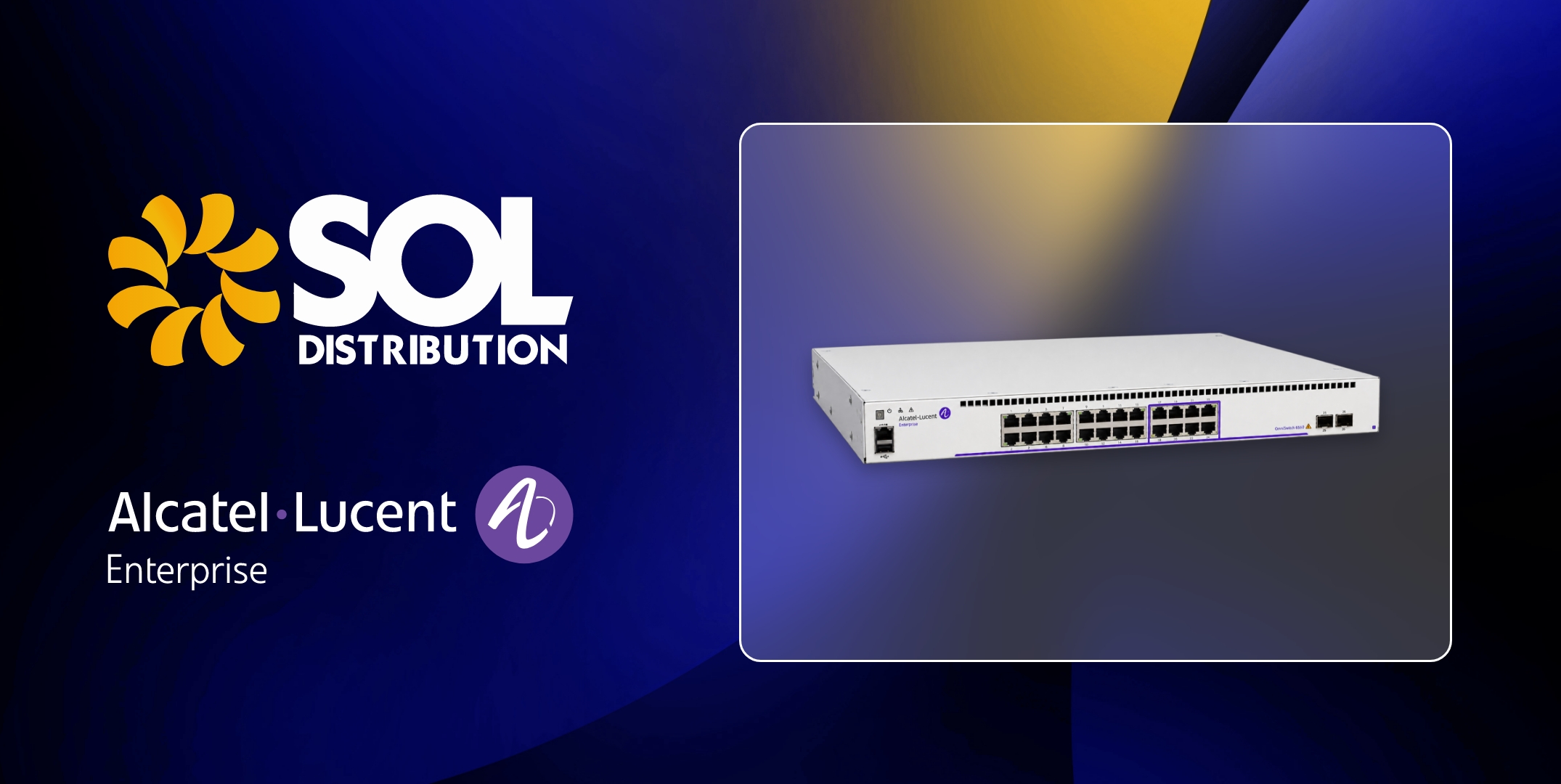
Choosing the right network infrastructure for your organisation
A customer wants Wi-Fi 7. Their wireless struggles in busy areas; there are more devices on the network than anyone planned for; and the access points are reaching the end of their life. It’s a sensible place to start the conversation, although the access points are rarely the only thing that needs looking at.
New access points have to plug into something. If the switches feeding them were bought for an earlier generation of Wi-Fi, they may not have the port speeds or Power over Ethernet (PoE) budget the new hardware needs. The customer ends up with an expensive wireless upgrade that performs much like the old one, or a second project to replace the switching a few months later.
That’s why it pays to plan wired and wireless infrastructure together. In this guide, we use Alcatel-Lucent Enterprise’s (ALE) WLAN and LAN portfolio to explain which networking equipment suits which environment, and what to check before you specify an upgrade.
Why your network needs both WLAN and LAN infrastructure
Access points handle the connection to laptops, phones, scanners and IoT devices. Everything they carry then travels over the LAN: through the switch the access point is plugged into, up to the aggregation or core layer and on to servers, the data centre or the internet.
Each Wi-Fi generation increases the traffic a single access point can handle. Wi-Fi 7 adds 320 MHz channels in the 6 GHz band, 4096-QAM modulation and Multi-Link Operation, which lets a device use more than one band at the same time. In practice, a single Wi-Fi 7 access point can now exceed what a 1 Gbps switch port can carry, which is why several of ALE’s Wi-Fi 7 models have 10G uplinks.
Power is the other consideration. Multi-radio access points draw more than older designs, and the same switches are often powering IP phones, cameras and building systems too. A switch that can technically power one access point may not be able to power a full floor of them alongside everything else.
For partners, this is worth raising early. A customer asking about Wi-Fi is often a switching opportunity as well, and dealing with it at the specification stage avoids awkward surprises after installation.
Choosing the right Alcatel-Lucent Enterprise WLAN solution
ALE’s wireless networking range is sold under the OmniAccess Stellar name, and its Wi-Fi 7 line-up covers indoor and outdoor access points at several performance levels. Stellar access points use a distributed control architecture, so there’s no central wireless controller to buy, and they’re managed through ALE’s OmniVista platform.
Choosing between them comes down to the environment: how many people and devices connect in one space, what they’re doing, whether IoT or location services matter and whether the access point has to cope with weather, dust or temperature extremes.
Which OmniAccess Stellar access point is right for you?
AP1511: indoor, standard-density deployments
The AP1511 is a tri-band Wi-Fi 7 access point, running 2.4 GHz, 5 GHz and 6 GHz simultaneously with support for 320 MHz channels and Multi-Link Operation. It suits offices, meeting rooms and general indoor coverage where a customer wants the benefits of Wi-Fi 7 without paying for capacity they won’t use. For many office refreshes, it’s the sensible starting point.
AP1521: higher-performance indoor and IoT environments
The AP1521 moves to a quad-radio design. Three radios serve 2.4, 5 and 6 GHz clients, while the fourth handles security scanning, Bluetooth Low Energy (BLE) location and IoT services, with BLE and Zigbee built in. ALE quotes aggregate throughput of more than 10 Gbps.
It’s a great fit where the wireless network does more than connect laptops. Think IoT functionality, like IP video surveillance, secure network printers, or any other device that connects to the network. Or, how about enabling IoT functionality via APIs, such as environmental monitoring, asset tracking, wayfinding. Busy spaces such as auditoriums and conference venues are definite candidates for this model.
AP1540 series: high-density enterprise environments
The AP1540 series is ALE’s highest-performing indoor Wi-Fi 7 option. It has a five-radio architecture, an 18.67 Gbps aggregate data rate and two 10G uplinks, with optional optical connectivity and MACsec-encrypted uplinks.
There are two versions. The AP1541 has integrated antennas and is aimed at lecture halls and conference rooms. The AP1542 has external antenna connectors for high ceilings, long corridors and warehouses. Specify it where large numbers of users connect at once and the network can’t afford to slow down and plan the switch ports to match.
AP1570 series and AP1561: outdoor and demanding environments
Both are IP67-rated Wi-Fi 7 access points with built-in surge protection, designed to cope with direct sun, rain, dust and wide temperature swings. The difference is how much the deployment needs to do.
The AP1561 is the simpler, more cost-effective option. It has three radios and directional internal antennas suited to courtyards, stadiums and point-to-point links, and it runs from a single 802.3bt PoE cable, which helps where providing local power outdoors is difficult.
The AP1570 series, made up of the AP1571 and AP1572, adds a dedicated scanning radio and a 10GE uplink port, with Bluetooth and Zigbee built in. It’s the better choice for larger or more complex outdoor deployments on campuses, transit systems and industrial sites, particularly where video surveillance, sensors or smart lighting share the wireless network.
Choosing the right Alcatel-Lucent Enterprise LAN switch
ALE’s network switches are sold under the OmniSwitch name. Most networks need LAN switches doing three different jobs:
- Access switching connects end devices and access points and usually provides PoE.
- High-speed access handles heavier demand at the edge, with multi-gig ports and higher PoE budgets.
- Core and data centre switching carries traffic between the rest of the network, servers and storage, where capacity, low latency and resilience matter most.
Matching each layer to its job helps avoid two common mistakes: paying for core-grade switching at the edge, or underspecifying access switches that then hold back the access points and devices connected to them.
Which OmniSwitch is right for your network?
OmniSwitch 6560 and 6560E: campus and access switching
The OS6560 is a stackable campus access switch, available with 24 or 48 1G ports, 10G SFP+ uplinks and PoE+ on the P models. It covers everyday edge requirements well, including desktops, phones, printers and lower-demand access points.
The OS6560E is the version to look at for newer wireless. It replaces 1G access ports with 2.5G and 5G multi-gig ports, using 802.3bt PoE, giving access points, cameras and digital signage more bandwidth and power without moving up to a higher switching tier.
OmniSwitch 6870: high-speed access and PoE
The OS6870 is designed for parts of the network where demand is highest. It offers multi-gig ports up to 10G, up to 95W per port using 802.3bt PoE and high-speed uplinks up to 200G. Every port supports 256-bit MACsec encryption, and power supplies and fans are redundant and hot-swappable.
That makes it a natural partner for Wi-Fi 7 access points with 10G uplinks, such as the AP1521 and AP1540 series, and for high-power devices such as PTZ cameras. It also supports in-service software upgrades, so the switch can be updated without being taken offline, which is valuable anywhere downtime is hard to schedule.
OmniSwitch 6900: core and data centre switching
The OS6900 sits at the centre of the network. In a campus it works as a core or aggregation switch, and in the data centre it can be deployed as a top-of-rack, leaf or spine switch. It supports 10G, 25G, 40G and 100G interfaces, latency under 650 ns and up to 6.4 Tbps of non-blocking switching, with Shortest Path Bridging (SPB) and EVPN-VXLAN for automated, resilient network fabrics. Up to six switches can be combined using Virtual Chassis.
For partners, the OS6900 is usually part of a bigger project, such as a campus core refresh, a data centrebuild or an upgrade that brings faster uplinks from the access layer. If a customer is adding multi-gig access and Wi-Fi 7 at the edge, check that the core has the capacity to keep up.
Planning an ALE network upgrade: what should you consider?
Before you put together a bill of materials, it helps to work through the following with your customer:
- Environment: indoor or outdoor, ceiling heights, long corridors, warehouses and exposure to weather or dust. For outdoor 6 GHz, check what local regulations allow. The AP1561 can run 5 GHz instead where needed.
- Density and capacity: how many users and devices connect in each area, and what they’re doing. Then check that switch ports and uplinks can carry what the access points will deliver. A 10G access point on a 1G port won’t perform as specified.
- PoE requirements: confirm the PoE class each access point needs, then add up the total budget per switch, including phones, cameras and other powered devices.
- Wi-Fi 7 readiness: client devices need Wi-Fi 7 support to benefit fully, so some customers will want Wi-Fi 7 access points now while others want switching that’s ready for them later.
- Scalability: spare ports, stacking options and uplink headroom for the devices and users the customer expects to add over the next few years.
- Management: who will run the network, the customer’s IT team or your managed service, and whether wired and wireless should be managed together through OmniVista.
- Security: WPA3 on the wireless side, MACsec where traffic between devices and switches needs encrypting and separating IoT devices from the rest of the network.
Why choose Sol as your Alcatel-Lucent Enterprise distributor?
At Sol, our aim is always to make life easier for our partners. With ALE, that means supplying both sides of the network, OmniAccess Stellar WLAN and OmniSwitch LAN, so a wireless refresh and the switching behind it can be quoted, sourced and delivered together.
If you already know the part numbers you need, we’ll get you pricing and availability quickly and make sure the equipment arrives when your project needs it. If you’re working from a customer requirement instead, our team can help you match access points to the environment, check PoE and uplink requirements against the switches and make sure nothing is missing before the quote goes to your customer.
You’ll also work with a dedicated account manager who knows your business and the projects you’re working on, so there’s no need to explain the background each time you get in touch. ALE is one of a carefully selected group of vendors in our portfolio, which covers networking from the data centre to the edge, so it can sit alongside the other technology in your wider network solutions.
If you’re planning a Wi-Fi 7 rollout, a switching upgrade or both, speak to the Sol team. We can check ALE stock availability, provide pricing and help you specify the right networking equipment for your customer’s network.